AdoptimalAdoptimal
Let us meet
For accounting firms

Client documents in one place.

We connect what your firm already uses: the accounting software, the bank, email and Microsoft 365. Clients upload documents to one place and see what is still missing. AI helps with mail and payments, and the accountant checks every suggestion.

What slows accounting firms down

Six situations that cost accountants time.

The bookkeeping itself is usually quick. What slows things down is everything around it.

Every client sends documents differently

One client emails, another uses a shared drive and a third brings a binder. The accountant first works out what belongs where, and only then starts posting.

Chasing missing documents by phone

What a client is missing for the month is tracked by hand and chased by phone or email. Client by client, every month again.

The programs do not talk to each other

Bank statements and invoices from client systems are retyped into the accounting software, even though they could be imported.

The client asks how things stand

The client calls to ask what is still missing and when the tax return will be ready. The accountant searches through emails and work in progress and promises a date.

Client reports in spreadsheets

A monthly report means an export from the accounting software, edits in a spreadsheet and sending it by email. For each client separately.

No time left for advice

Clients would value advice on where their business is heading. But the accountant’s time goes on sorting, chasing and retyping.

AI in an accounting firm

Mail, payments and client questions without manual searching.

At the start of each month, client documents arrive by post, by email and through a shared drive, and the accountant first has to piece them together. Client documents and mail must arrive through one channel, such as a single mailbox or the portal.

  • Operations

    Mail to the right client

    AI assigns emails from clients, their suppliers and the authorities to the right client and period and flags what is waiting to be handled.

  • Accounting

    Payment matching

    When the software cannot match a payment by its reference, AI assigns it to an invoice by amount and counterparty, and leaves the uncertain ones for the accountant to decide.

  • Operations

    Replies to routine questions

    When a client asks what is still missing or how the tax return is going, AI drafts a reply from the data in the system and the accountant sends it.

  • Accounting

    Monthly overview for the client

    The overview builds itself from the figures in the accounting software, AI writes a short comment on it, and the accountant edits it before sending.

Not sure where to start? AI readiness test

What we do for accountants

A firm connected from the client to the accounting software.

We do not build new accounting software. We connect the one you have with your clients, your bank and your Microsoft 365.

Documents in one place

Clients send documents through one channel they can manage. You see what each client is missing for the month.

  • A mailbox or shared folder for each client
  • Documents sorted by client and period
  • Supplier invoices sent straight to one address
  • Reminders to clients that go out on their own
Client portal

In one place the client uploads documents, sees what is still missing and finds finished reports. Instead of calling, they check for themselves.

  • Status of documents and deadlines for each client
  • Uploading documents from a phone too
  • Finished reports and documents to download
  • Client communication in one place

Connecting the accounting software

We connect Pohoda, Money S3, ABRA Flexi and other software with the bank and with client systems, so nothing is retyped by hand.

  • Bank statements straight into the software
  • Invoices from client invoicing tools and online shops
  • Connection through an API, file import and export or ISDOC
  • A check that all the data came through

Microsoft 365 and custom apps

We set up sharing, permissions and deadlines so everyone finds what they need and sees only what they should.

  • Client folders in SharePoint with one structure
  • Permissions for staff and external colleagues
  • VAT, payroll and closing deadlines for the whole team
  • Custom apps where a standard tool falls short
From real projects

A client portal and mail paired with clients.

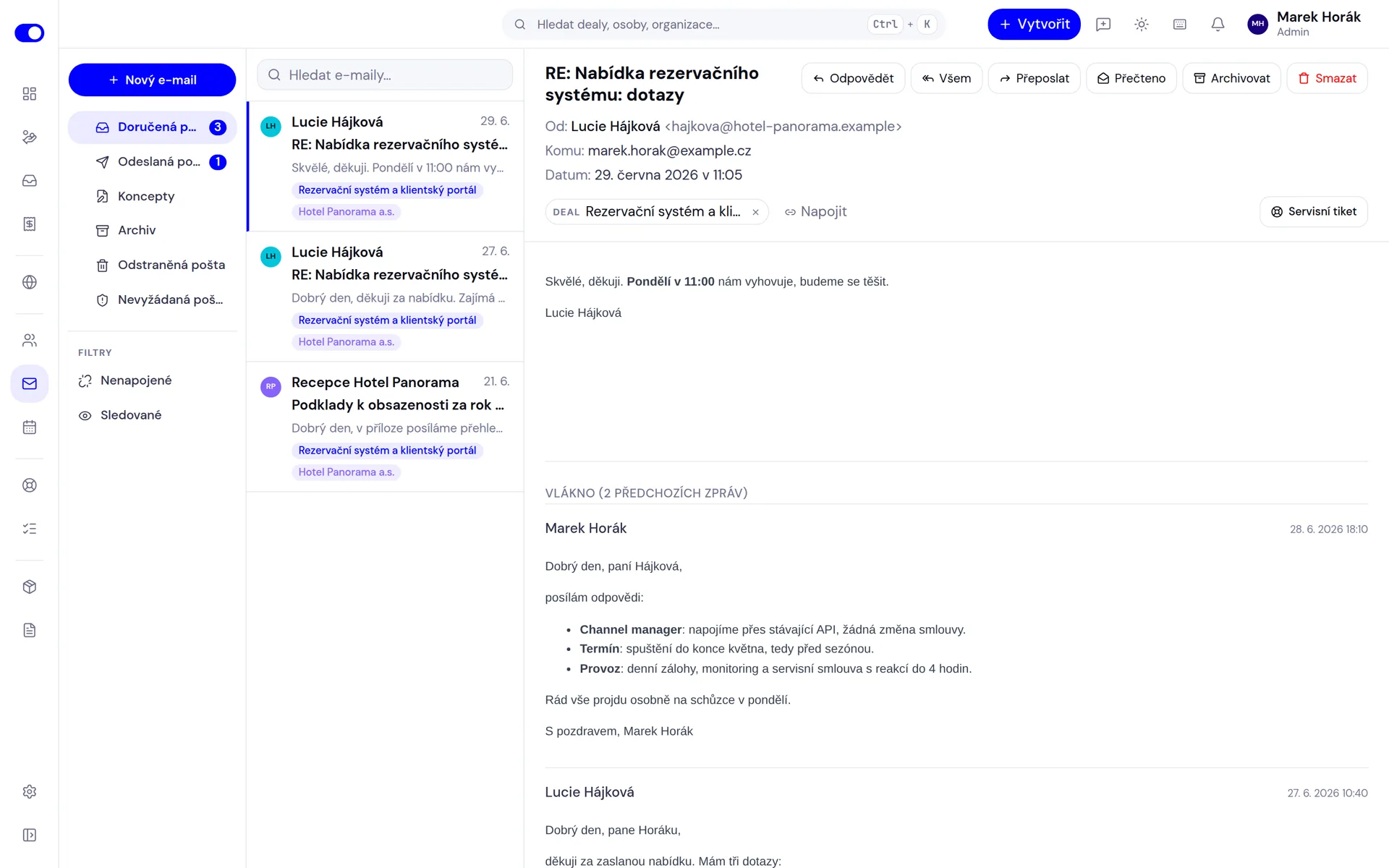
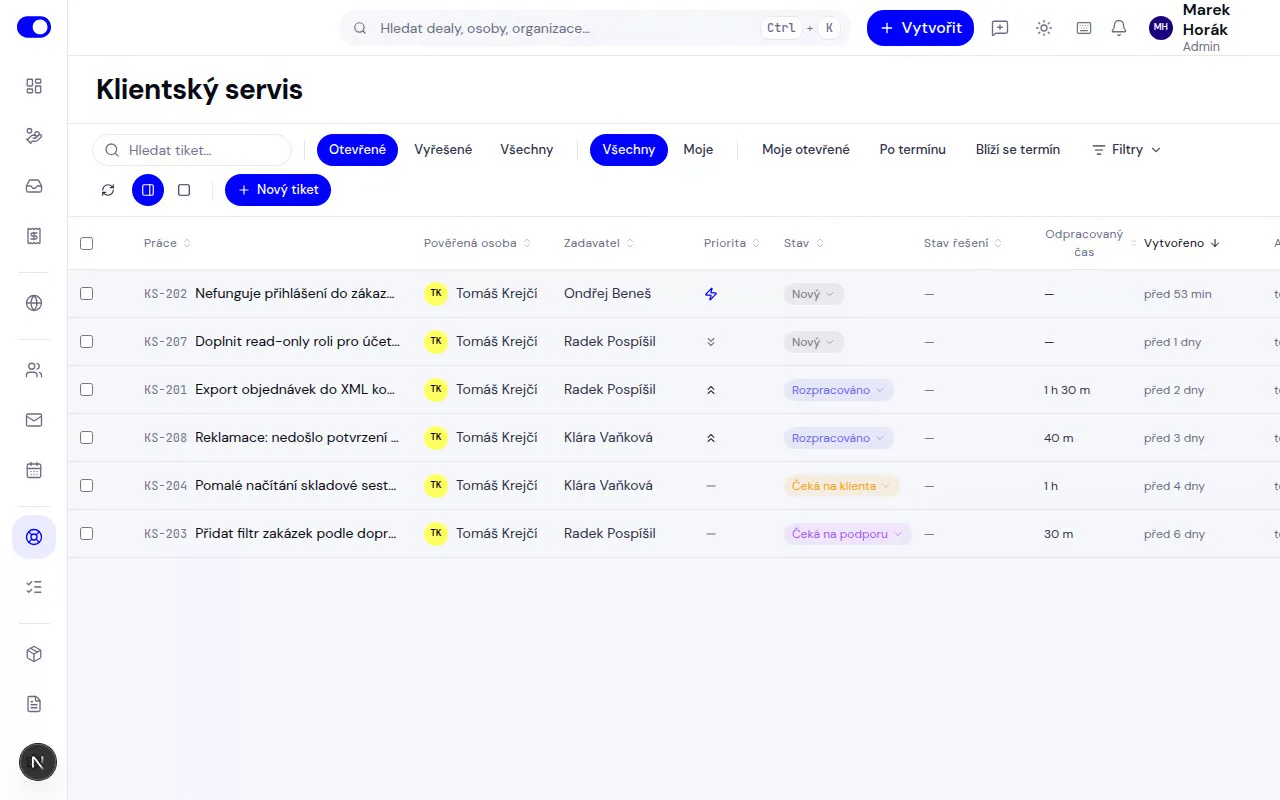
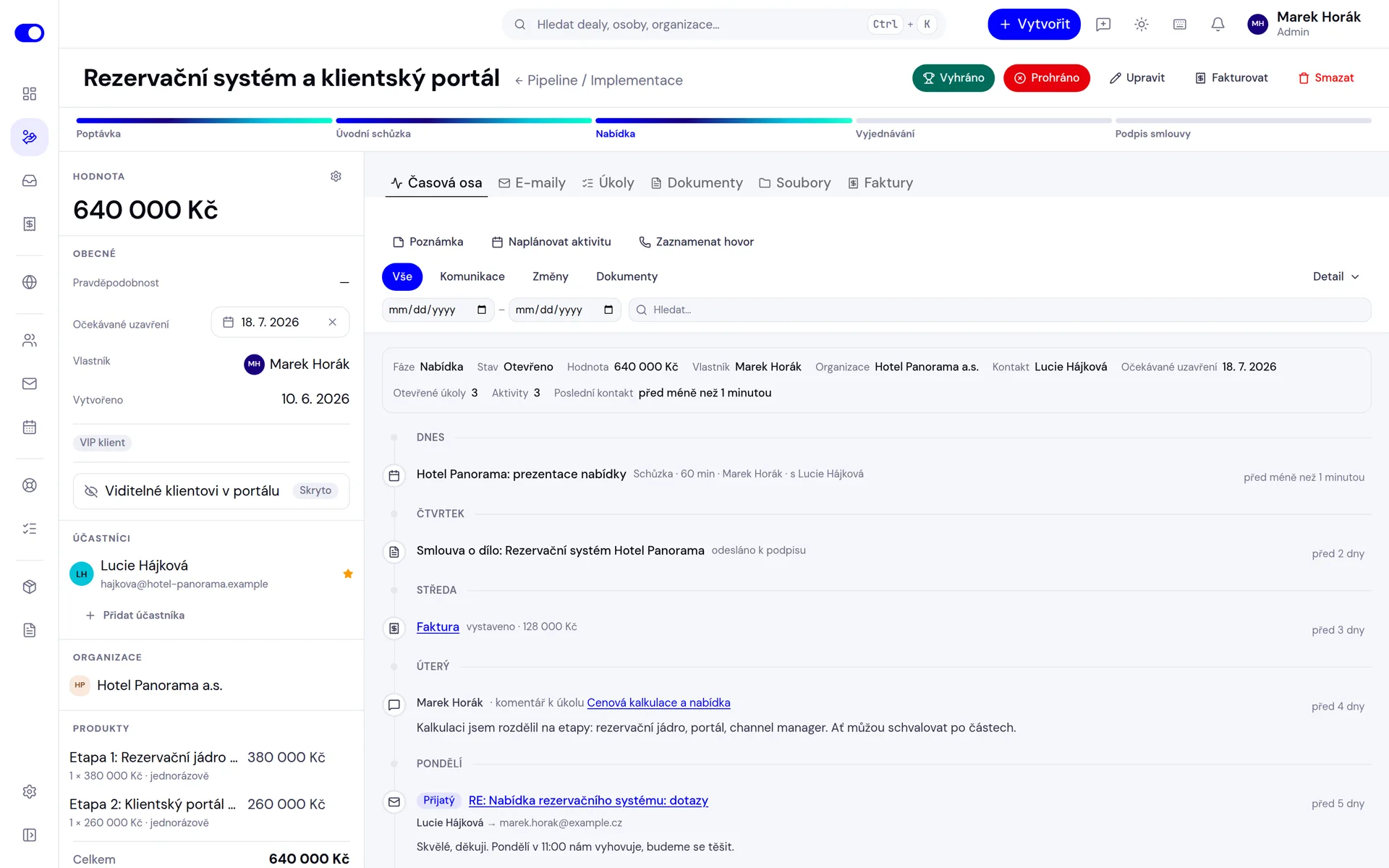
In our own system we have a client portal, mail paired with clients and requests with statuses. AI drafts replies in it, and one of our people checks them before they go to the client. We can build the same principles for an accounting firm.

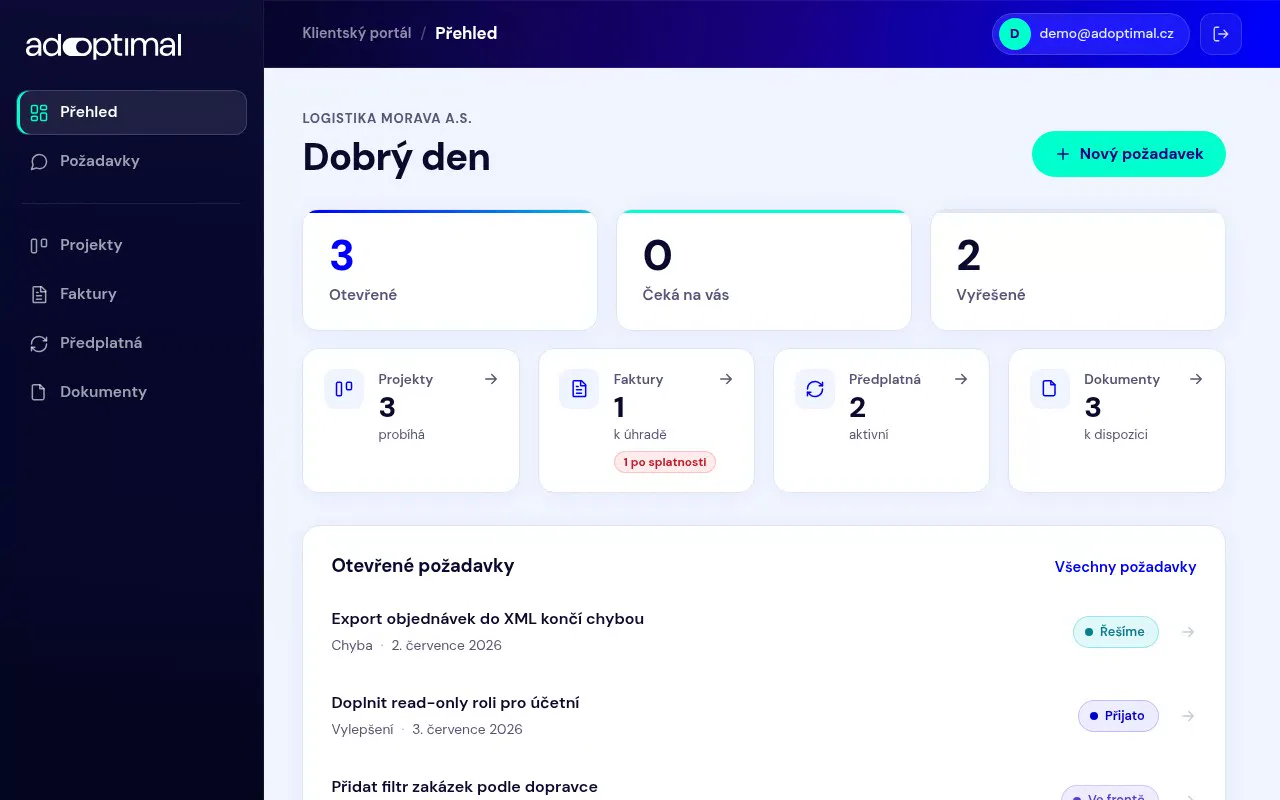
klient.adoptimal.cz/portal
A client portal instead of phone calls

A client portal instead of phone calls

The customer has request status, communication, invoices and contracts to sign in one place. A request from the portal lands in our system, where one of our people works on it with AI.

The demo runs on fictional data, company and person names are made up.

Frequently asked

What accounting firms ask.

  • First we look at what your software can do. Pohoda, Money S3 and ABRA Flexi can all take in data, some through an API, others through file import or ISDOC. Based on that we propose the connection and tell you up front what will run on its own and what stays with a person.
Let us meet

Let us look at your firm.

Tell us how many clients you have and which accounting software you use. We will come back with a proposal for the first step.

What can we help you with?